
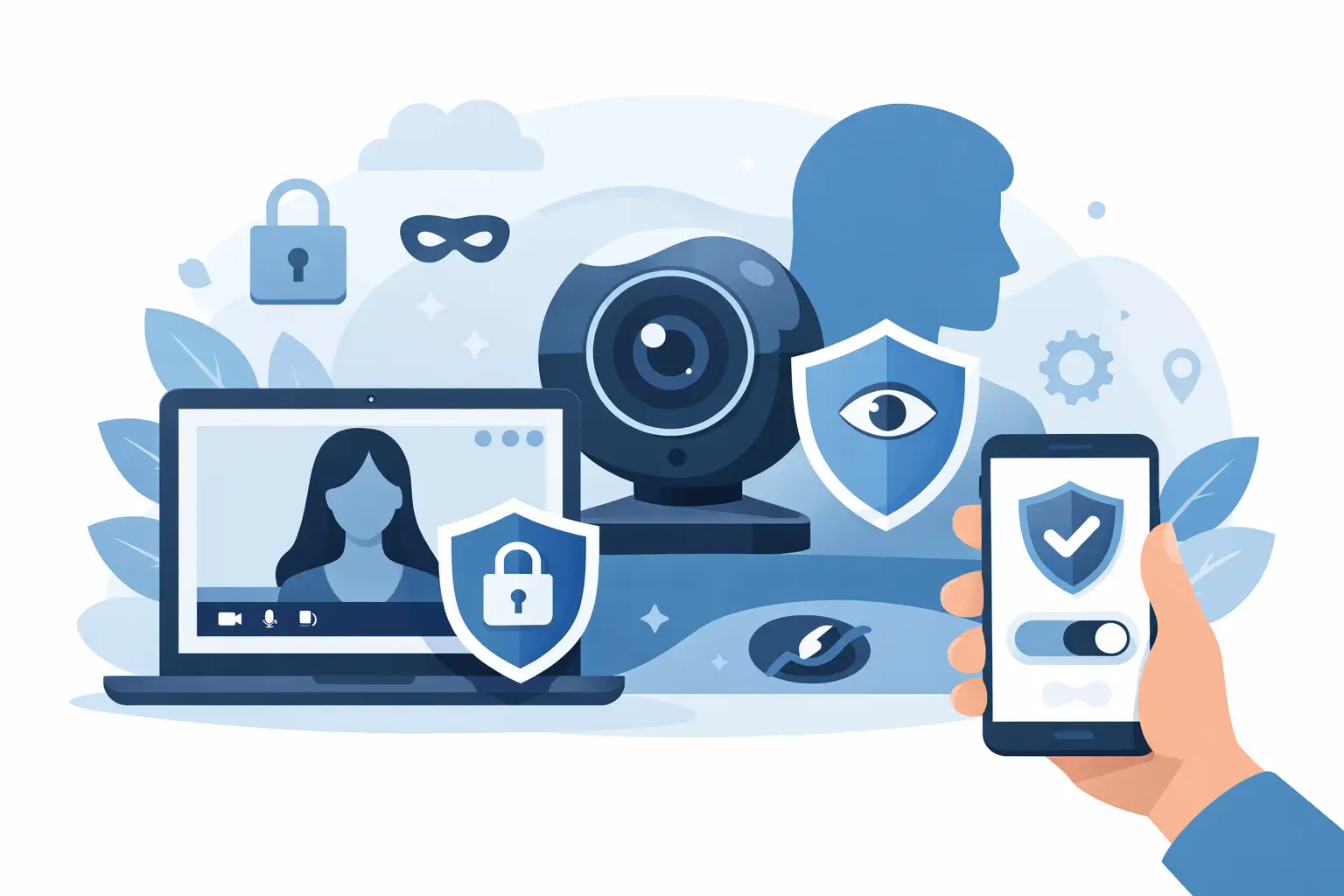
A private cam experience starts before the first stream loads. Your username, email address, payment method, device settings, and chat behavior can all reveal more than you intend. This cam account privacy guide focuses on the controls that actually matter when you use major live platforms such as Chaturbate, Stripchat, LiveJasmin, ImLive, BongaCams, and CamSoda.
The goal is not to become invisible online. That is not realistic when you create an account, purchase credits, or interact in live chat. The goal is to reduce unnecessary exposure, keep your account secure, and avoid connecting your adult viewing activity to your public identity.
Start With a Separate Account Identity
The fastest privacy mistake is reusing the same email address and username you use for social media, gaming, work, or shopping. A recognizable handle can make it easier for other people to connect accounts across the web. That may not matter to every viewer, but it is an avoidable risk.
Create a dedicated email address for adult platforms. It should not include your full name, employer, birth year, hometown, or other identifying details. Use that address only for cam account signups, account recovery, receipts, and promotional preferences.
Your username deserves the same attention. Skip familiar nicknames, social handles, and anything tied to your public profile. A neutral name is usually the best choice. It does not need to be clever. It needs to be difficult to associate with you.
This approach is useful across every major platform, whether you prefer the broad live model selection on Chaturbate and BongaCams, the polished premium environment of LiveJasmin, or the social discovery features on Stripchat and CamSoda. The platform may differ, but the account hygiene stays the same.
Use a Password Manager and Turn On Account Security
A separate identity is only useful if someone else cannot access it. Reused passwords are one of the most common account security failures. If one old account is compromised, attackers often test the same credentials on email, payment, and entertainment sites.
Use a password manager to generate a long, unique password for every cam platform. Aim for a randomly generated password rather than a phrase based on information someone could guess. Do not save the password in a shared browser profile or a notes app that is not locked.
If the platform offers two-factor authentication, enable it. An authenticator app is generally stronger than relying on text messages alone, although either option is better than no second step. Keep recovery codes in a protected location that is separate from your device.
Also review active sessions when that option is available. If you have signed in from a hotel computer, a shared tablet, or an older phone, remove that session after use. Privacy is not only about what a site collects. It is also about who can open your account when you are not there.
Cam Account Privacy Guide: Control What Others Can See
Live cam platforms are interactive by design. That is part of their appeal, but interaction creates a different kind of privacy decision. A performer, moderator, or other viewer may see the name you choose, your messages, your public room activity, and sometimes profile details depending on the platform and settings.
Before you start chatting, inspect your profile as if you were a stranger viewing it. Remove personal details that are not required. Avoid profile photos that show your face, home, vehicle, workplace, tattoos, or recognizable locations. If a site allows optional bio text, leave it blank or keep it general.
Treat private messages with the same caution. Do not share your real name, city, phone number, social account names, work schedule, or details that could help someone identify you. A live conversation can feel casual and personal, especially when you return to the same rooms, but it is still online activity tied to an account.
Be particularly careful with custom requests or conversations that move beyond the platform. Trusted cam sites have internal tools for credits, chat, private shows, and account support. There is no privacy advantage in taking conversations or payments elsewhere. Keep activity within the platform’s established systems.
Keep Payments Separate From Your Public Life
Payment privacy has two sides: protecting your financial details and avoiding surprises on shared statements, devices, or inboxes. Before adding a payment method, review the platform’s billing information, transaction descriptor policy, refund rules, and accepted payment options. The exact statement descriptor can vary by processor, region, and transaction type, so never assume it will appear exactly as the site name.
Use a payment method that only you control. Avoid shared credit cards, family payment accounts, and wallets logged in on a communal device. If your bank offers transaction alerts, make sure those alerts are sent to a private email or notification channel rather than an address or phone that other people can access.
A credit purchase is also a budget decision. Set a spending limit before you enter a room or start a private session. Platforms such as ImLive and LiveJasmin can offer a more premium, structured experience, while token-based environments like Chaturbate, BongaCams, Stripchat, and CamSoda can move quickly once you begin tipping or joining paid features. Privacy improves when you are not rushing through payment prompts or trying to fix a purchase after the fact.
Never send card details, banking information, gift card codes, or payment screenshots through chat. Legitimate payment processing happens through the site’s checkout flow, not through a direct message.
Protect the Device You Use
Your account can be secure while your device is not. A shared laptop, smart TV, tablet, or phone can expose browsing history, saved passwords, notifications, and open tabs to the next person who picks it up.
For stronger separation, use a dedicated browser profile for adult activity. Keep it separate from the browser profile tied to personal email, work accounts, cloud storage, and social media. Disable password saving in that profile unless you rely on a properly secured password manager.
Check browser autofill settings as well. Autofill can reveal a real name, address, phone number, or card details at the wrong moment. Clear site data when using a device that is not fully yours, and always sign out rather than simply closing the tab.
Notifications are another overlooked issue. Receipt emails, promotional messages, and browser push alerts can appear on a locked screen. Turn off unnecessary marketing notifications, adjust email preferences, and use a device lock that only you can open.
A VPN can add privacy from your local network or internet provider, but it is not a magic shield. It does not make account information, payments, or chat messages anonymous to the platform. Some services may also flag unusual logins from rapidly changing locations, which can trigger security checks. Use a reputable service if you choose one, keep your location consistent, and follow the platform’s terms.
Know the Difference Between Privacy and Anonymity
The best live cam platforms take account security seriously, but no legitimate paid service can promise complete anonymity. A platform may need an email address, age confirmation, payment authorization, fraud prevention data, and technical information to operate legally and protect users.
That is why you should read the privacy policy and account settings before depositing funds. Look for practical answers: What information is public on your profile? Can you control promotional emails? How can you delete or close an account? What data is retained for billing or legal reasons? Is customer support available if you suspect unauthorized access?
The right choice depends on your priorities. If premium production and a more curated feel matter most, LiveJasmin or ImLive may fit your expectations. If you want high activity, wide model variety, and active public rooms, Chaturbate, Stripchat, BongaCams, and CamSoda offer different discovery experiences. Privacy should be a factor in that evaluation, not an afterthought once you have already loaded your account.
When Something Feels Wrong
Act quickly if you notice an unfamiliar login, unexpected credit purchase, changed email address, suspicious direct message, or payment alert you do not recognize. Change your password first, secure the email account connected to the profile, end active sessions, and contact the platform through its official support channel. If a payment method may be compromised, contact the card issuer as well.
Do not assume a strange message is harmless because it comes from an account that looks familiar. Scammers often use urgency, fake support claims, or offers that push users to reveal credentials. Real support teams do not need your password in chat.
Privacy is built from small decisions that are easy to repeat: a separate email, a neutral username, unique credentials, careful payment settings, and disciplined chat boundaries. Set those rules before you start browsing, then enjoy the live experience without handing over more of your personal life than the account truly requires.
Leave a Reply